
What is SecureReset?
Modern incident response tools rely on either a functioning operating system or hands on endpoint access (often both) to recover the system. But what if the OS is not available because it is infected with malware (e.g., ransomware) or has simply crashed? In that case, the only option is to physically access the endpoint to wipe and reimage it. But physical access is expensive, cumbersome and time consuming, particularly if the endpoint(s) is located far away such as at an employee’s home office. SecureReset is the answer to overcome all these obstacles and limitations.
How SecureReset Works:
- Activation: Install FirmGuard agent on every Windows endpoint that you might need to remotely wipe and reimage in the future.
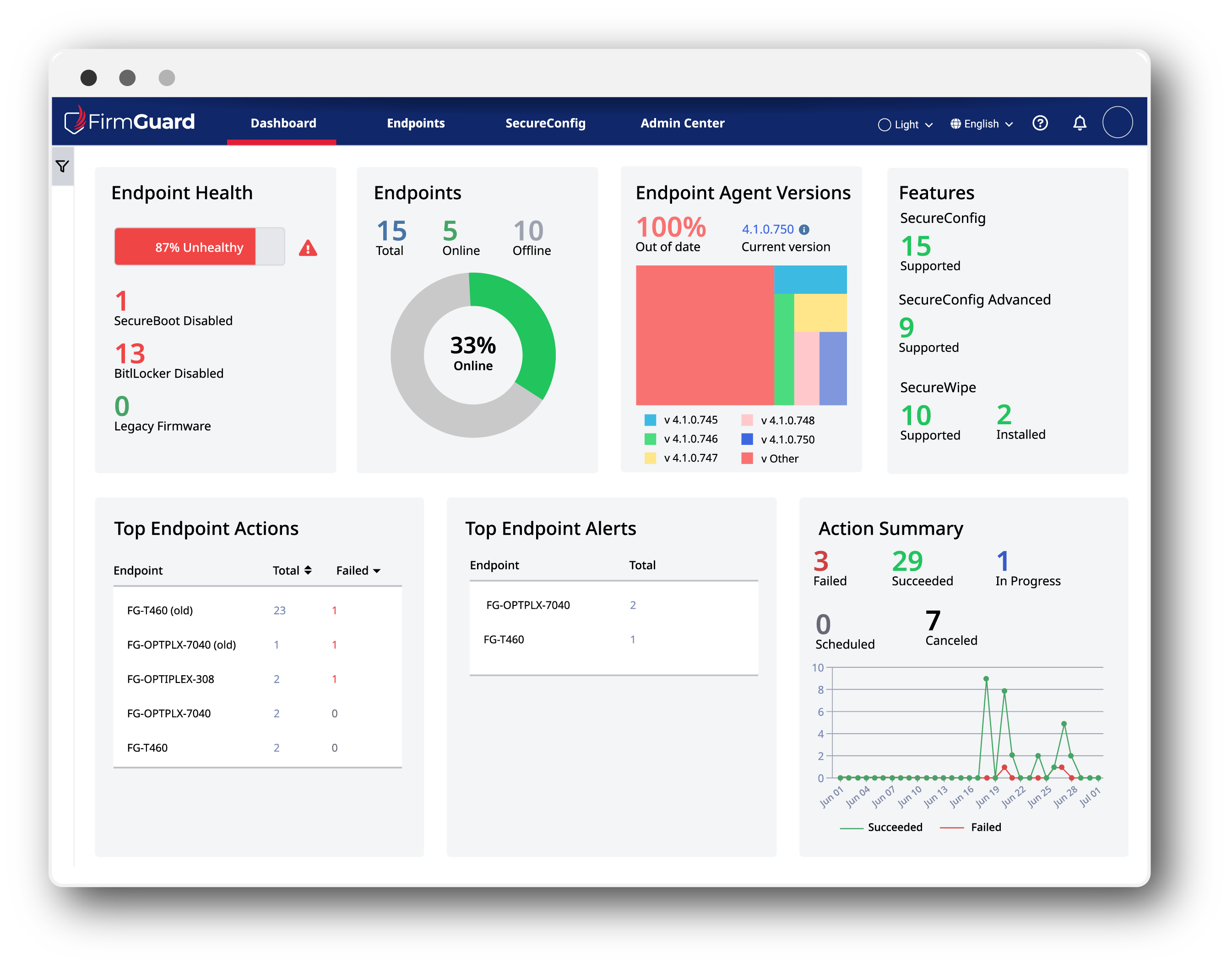
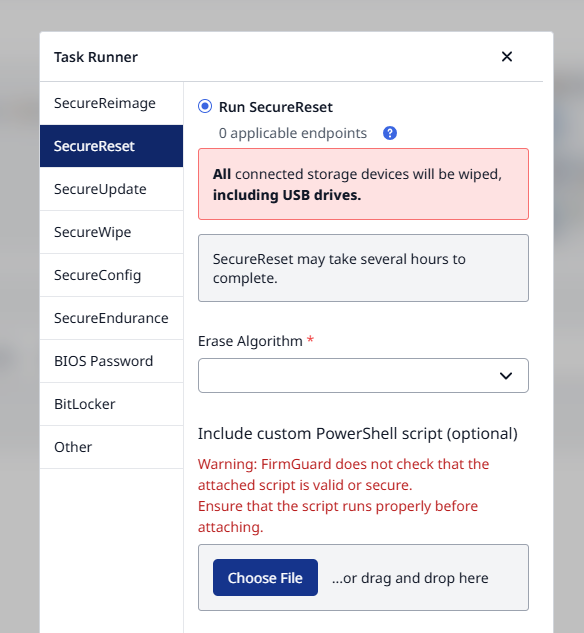
- Forensic Wipe Algorithm: Enable SecureWipe and decide which erase algorithm to use. FirmGuard supports a wide range of algorithms such as DoD 5220.22-M and many more.
- Initiate Reset: From the FirmGuard portal trigger a reset across one or more endpoints.
- Reimage Customization: A custom PowerShell script can be run during the OOBE (Out of Box Experience) portion of the Windows reimage to facilitate endpoint configuration. The script could, for example, call out to other tools such as an MDM to configure the endpoint based upon established policies.
- Complete Remote Restoration: The end result of SecureReset is a clean endpoint that has no lingering data and a completely fresh, pre-configured Windows image. An end user can begin using the machine just as if it was brand new.
Benefits of SecureReset
SecureSync delivers resilient, firmware-level connectivity and response readiness for FirmGuard managed endpoint:
- Pre-OS/No-OS Connectivity: The solution does not rely on an operating system to perform the forensic wipe or Windows reimage.
- Remote Operation: The solution is 100% remote and thus does not require any physical access to the endpoint.
- Forensic Wipe: Hard disk wipe is compliant with NIST SP 800-88 (Guidelines for Media Sanitization) and supports common erase algorithms such as DoD 5220.22-M.
- Reimage Customization: A PowerShell script can be deployed during the reimage process to customize the Windows image.
- Broad Compatability: Works across all major OEMs (e.g, Dell, HP, Lenovo) with diverse configurations.
Use Cases
There are at least three common use cases for SecureReset as follows:
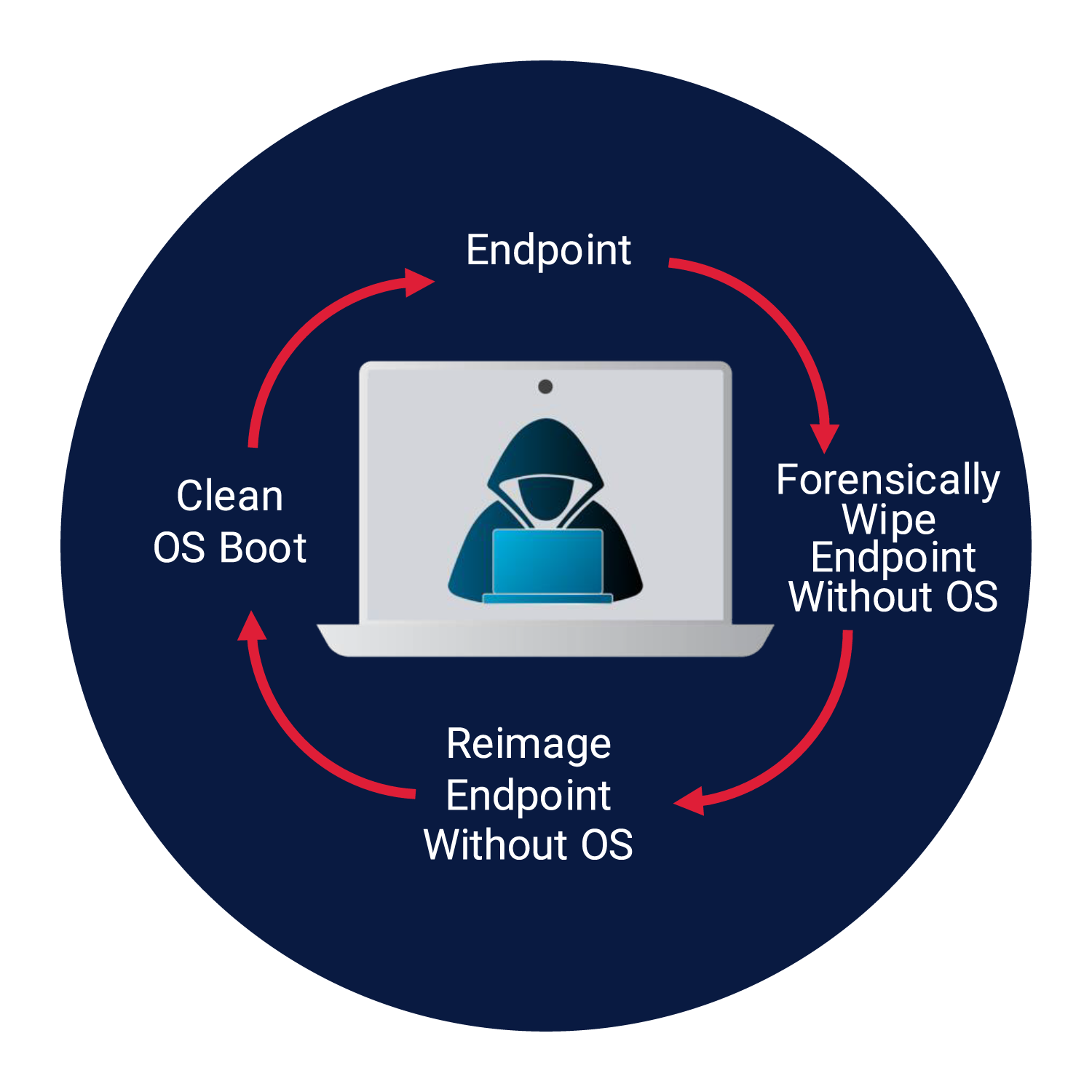
1. INFECTED ENDPOINT
Once an endpoint is infected with any type of malware (e.g., ransomware) there is almost no option but to forensically wipe and then reimage the machine. There is a plethora of tools available to do both of these operations but they are all expensive, cumbersome and time consuming. Plus they likely need physical access to the endpoint which may require shipping, further complicating the situation. Bottom line, no one wants to deal with infected Windows endpoints but it is an unfortunate part of life as an IT professional and with SecureReset at your disposal, life just got a bit easier.
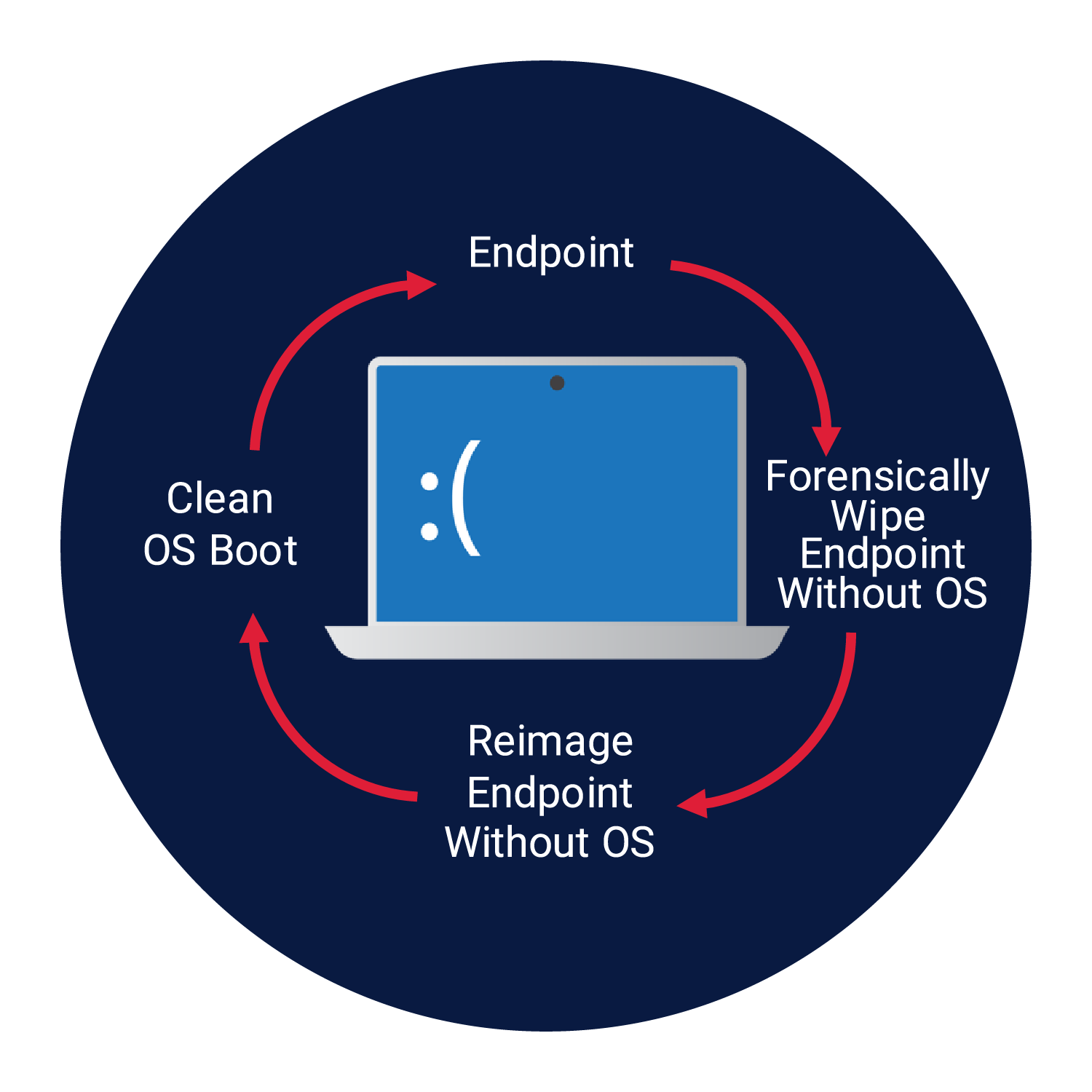
2. CRITICAL OPERATING SYSTEM FAILURE
An OS failure, which we sometimes call the blue screen of death or (BSoD), doesn’t happen every day but when it does the IT team has to scramble to get the end user back up and operational. With SecureReset all actions can be done remotely from the comfort of a desk many miles away from the affected user. No need to ship the endpoint around, use disparate software tools or spend days on the process. With the click of a few buttons, SecureReset will remotely wipe the hard drive and then reimage with a fresh, pre-configured Windows 11 image. An IT administrator can kick off the process at night and by the next morning the end user will have an endpoint that looks brand new, just as if they had taken it out of the box for the very first time.
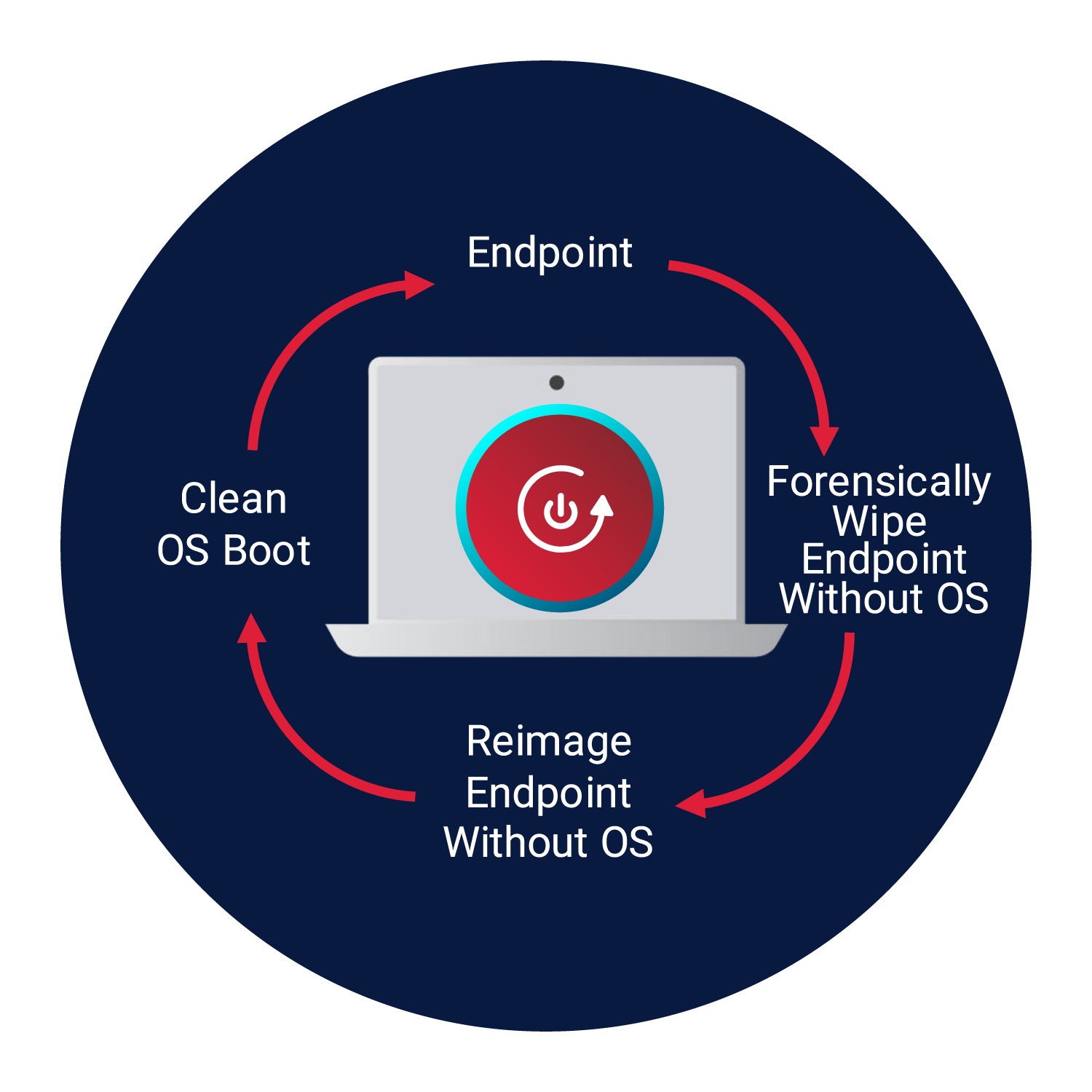
3. ENDPOINT REFRESH
Malware or a critical OS failure isn’t the only reason to use SecureReset. Once an IT team has access to FirmGuard they will want to use it any time there is a need to refresh an endpoint. For example, if an employee leaves the company, SecureReset can be used to completely wipe and reimage the endpoint for use by a new person. Because the process is completely remote, for security reasons performing a wipe and reimage before an endpoint is shipped back might be prudent. By following this procedure, you eliminate any chance of the endpoint being compromised during shipment.